To use the AI Text Cursor, follow these steps:
- Install the LanguageTool browser extension
- Enable the AI Text Cursor in the settings
- Take advantage of features like paraphrasing, emoji suggestions, AI writing assistance, and more!
-
Edit with AI
Get in-depth assistance and suggestions wherever you write.
-
Find emojis fast
Get emoji suggestions relevant to you and your writing.
-
Insert GIFs anywhere
With GIPHY, you can respond in a jiff, even when words escape you.
-
Rephrase in a click
The AI Text Cursor makes it easy to explore writing styles sentence by sentence.
-
Stop copying and pasting
Save frequent phrases as snippets so they're always at your fingertips.
Feature-packed!
Your favorite AI Tool at the click of a finger
Say goodbye to cluttered tabs. The AI Text Cursor brings our most powerful AI Tools everywhere you write—and makes them easier to use than ever.
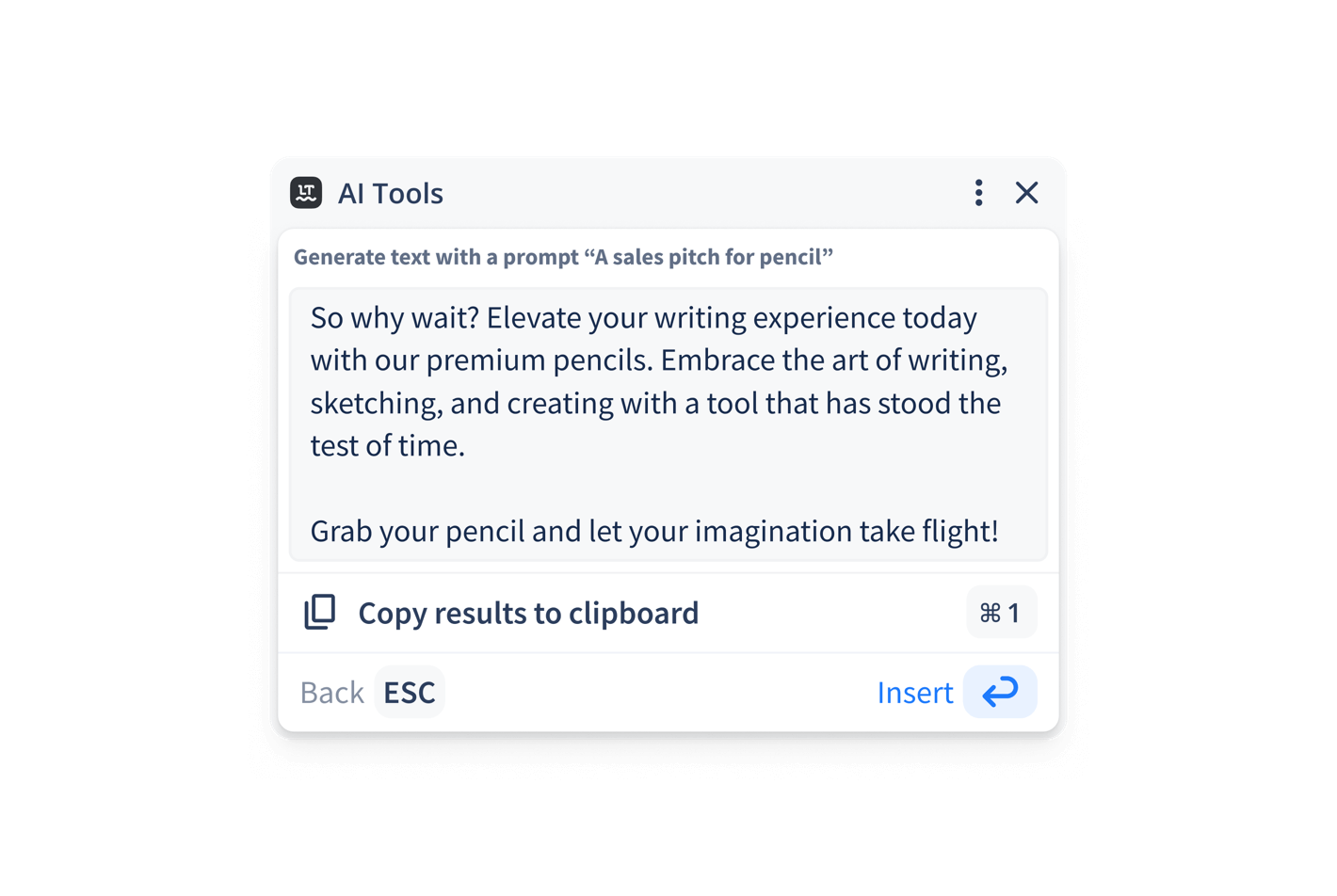
AI Editing
With LanguageTool's new AI Tools, you’re in the driver’s seat. Simply tell it how you'd like to modify existing text or even generate entirely new content to start drafting.
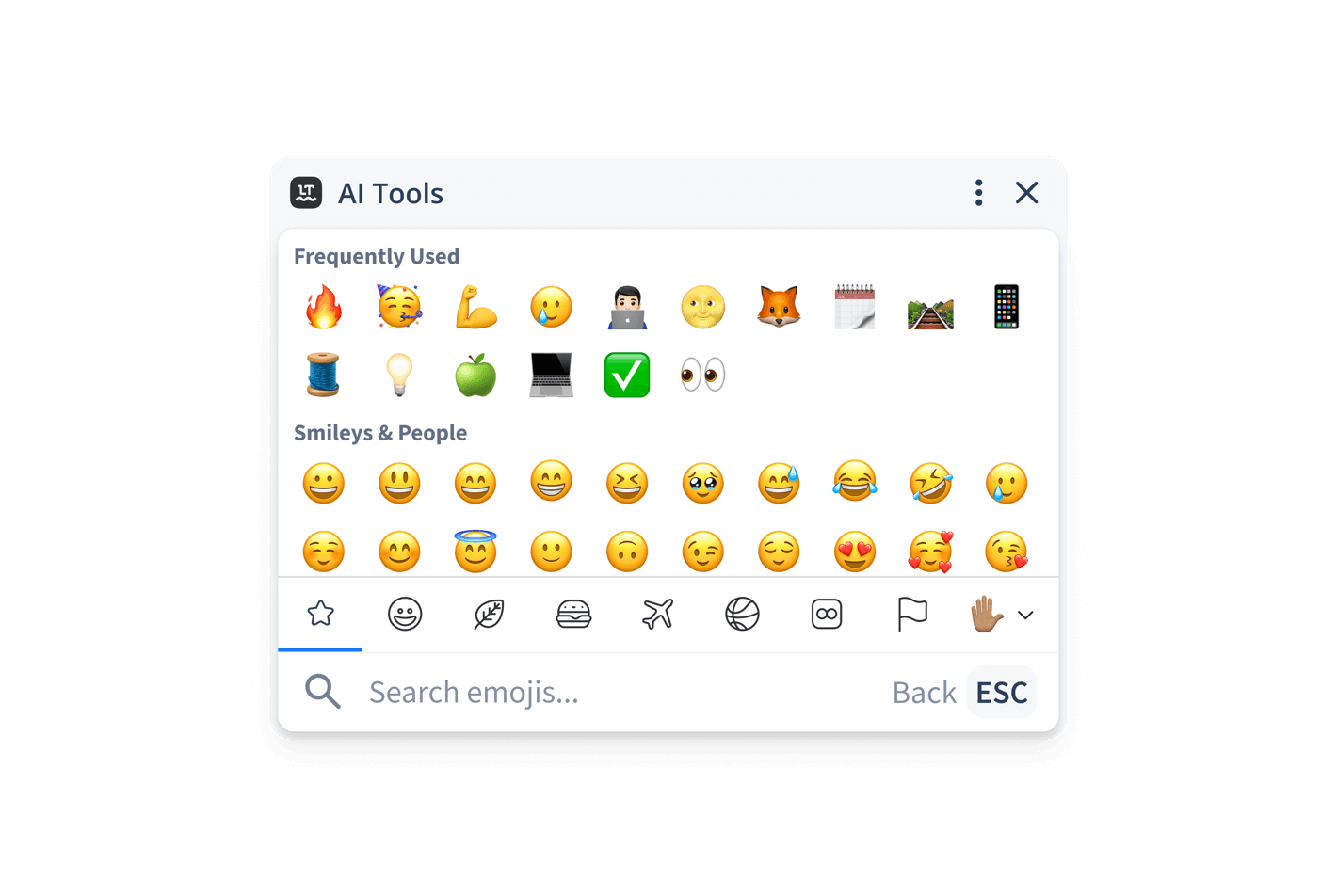
Emoji picker
This feature lets you add emojis on desktop as easily as you can on your phone. Plus, you’ll see your most frequently used emojis at the top—and get suggestions based off your writing.
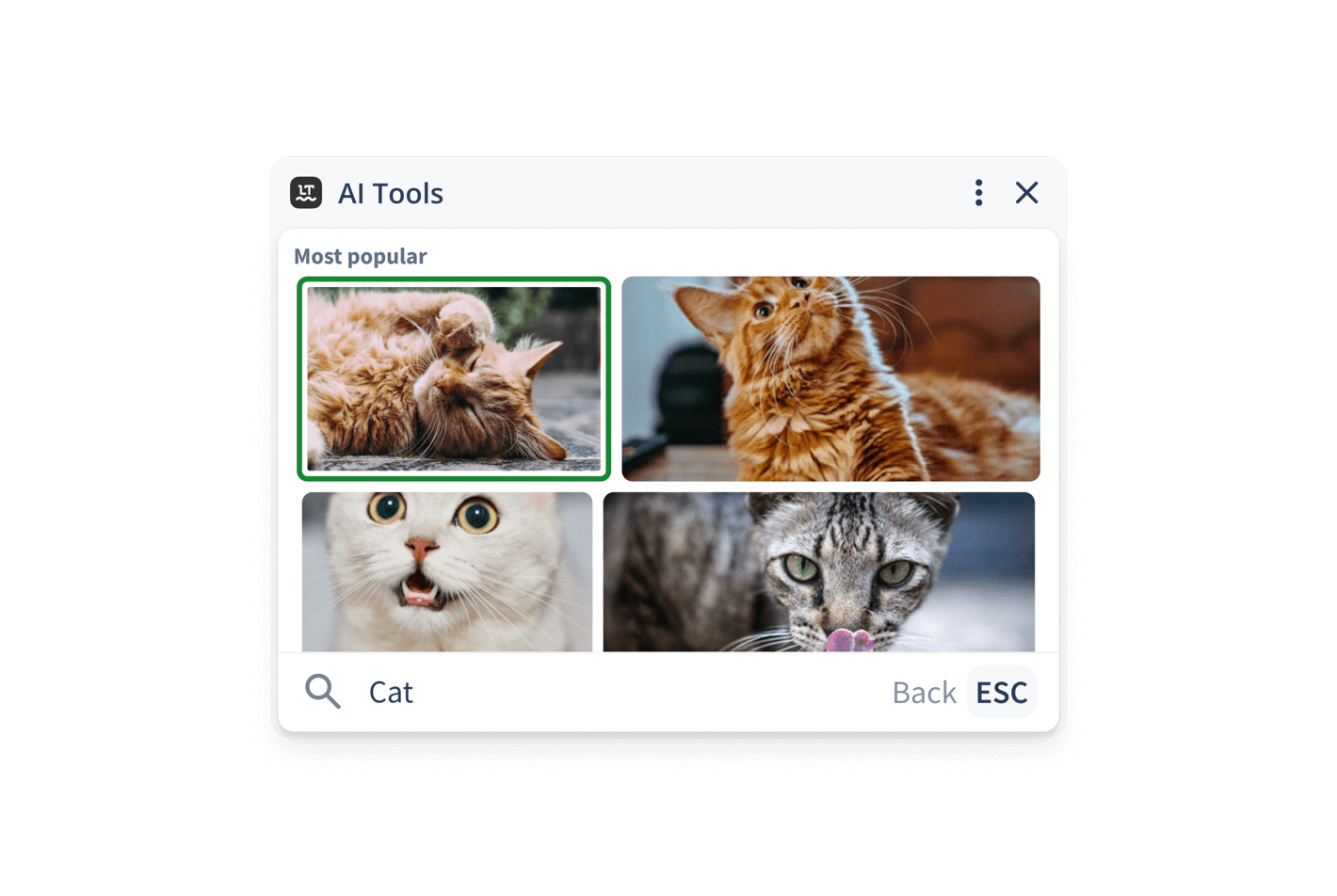
GIPHY app
A picture is worth a thousand words—and GIFs are worth even more. Spice up your communication by finding and adding the perfect image in a jiff.
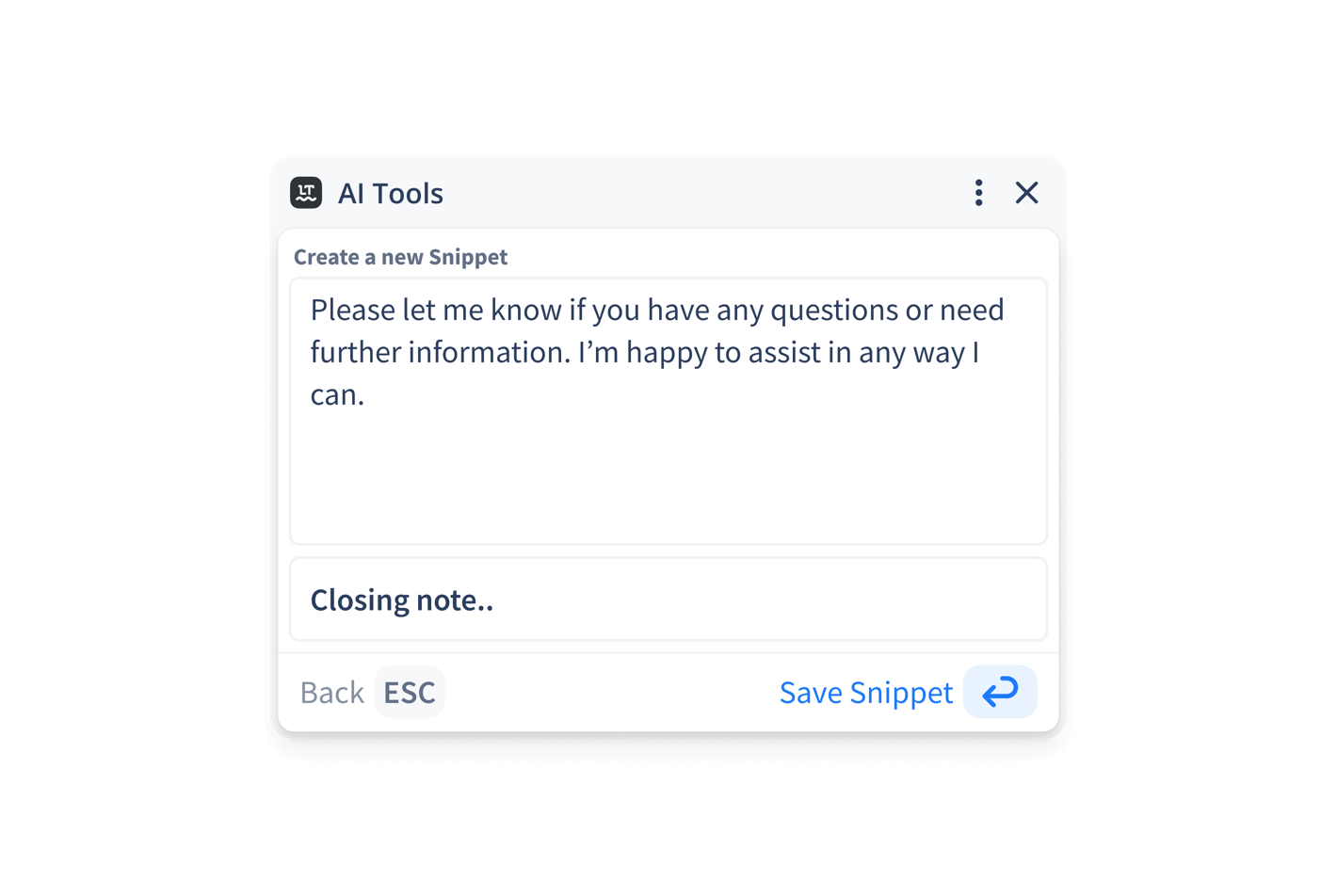
Snippets
Tired of repeating yourself? With snippets, you can set your most frequently used phrases and insert them when needed. Just click the AI Text Cursor, hit “Snippets,” and then create or add your own!
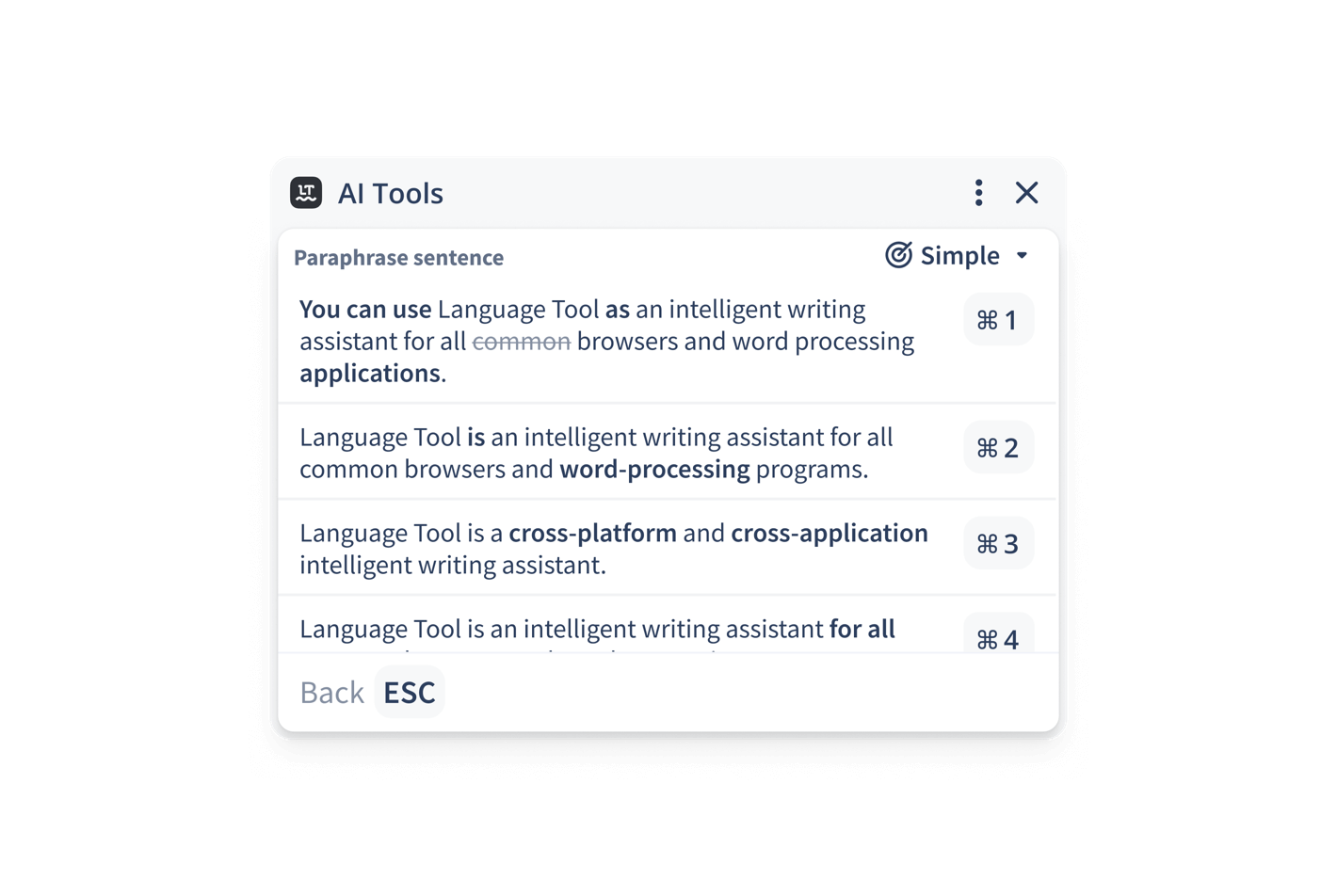
Paraphraser
Paraphrasing just got simpler. Select a sentence and instantly receive alternative options with a single click. It’s a better, more streamlined editing experience.
Get Work Done
Accomplish more with the AI Text Cursor
The AI Text Cursor provides you with context-sensitive editing suggestions tailored to your writing needs. Access countless writing features exactly where you need them. Try it for free.
- Boost your efficiency with fewer clicks
- Enhance your creativity with easy editing
- Integrate the AI Tools you love with any platform
- Get personalized assistance that adapts to your writing
- Enjoy an effortless, distraction-free writing process
Frequently Asked Questions
What features does the AI Text Cursor offer?
Currently, the AI Text Cursor provides paraphrasing, an option to add snippets, an emoji picker, a GIPHY integration, and even a powerful Gen AI functionality. There’s more coming soon, so stay tuned for updates!
How do I install the AI Text Cursor?
To use the AI Text Cursor, find LanguageTool for Chrome in the Chrome store. Then, add our extension to your browser. After that, your blinking text cursor will look slightly different. Clicking on the circle attached to it, will provide you with access to a world of context-aware writing AI Tools.
How is the AI Text Cursor different from the existing functionality of LanguageTool?
The AI Text Cursor is a brand-new feature that makes using LanguageTool for Chrome easier than ever. Thanks to the AI Text Cursor, you don’t have to mess around with pesky sidebars or endlessly hit copy/paste. Instead, you can edit anywhere you’re working!
Will more features be added to the AI Text Cursor?
Yes! New features will be added regularly to equip you with all the AI Tools you need to succeed.
Start Today!
Get started with the AI Text Cursor
By enhancing your communication and giving your writing greater impact, we can help you reach your personal and professional goals.